
The visitor has a booking. Reception has no context.
Make the expected host, location and practical instructions available before arrival.
23 / Business / Front desk & appointments
Connect bookings, visitor arrival and host notification. Help reception know who is expected and help visitors reach the right person without unnecessary waiting.
Business first
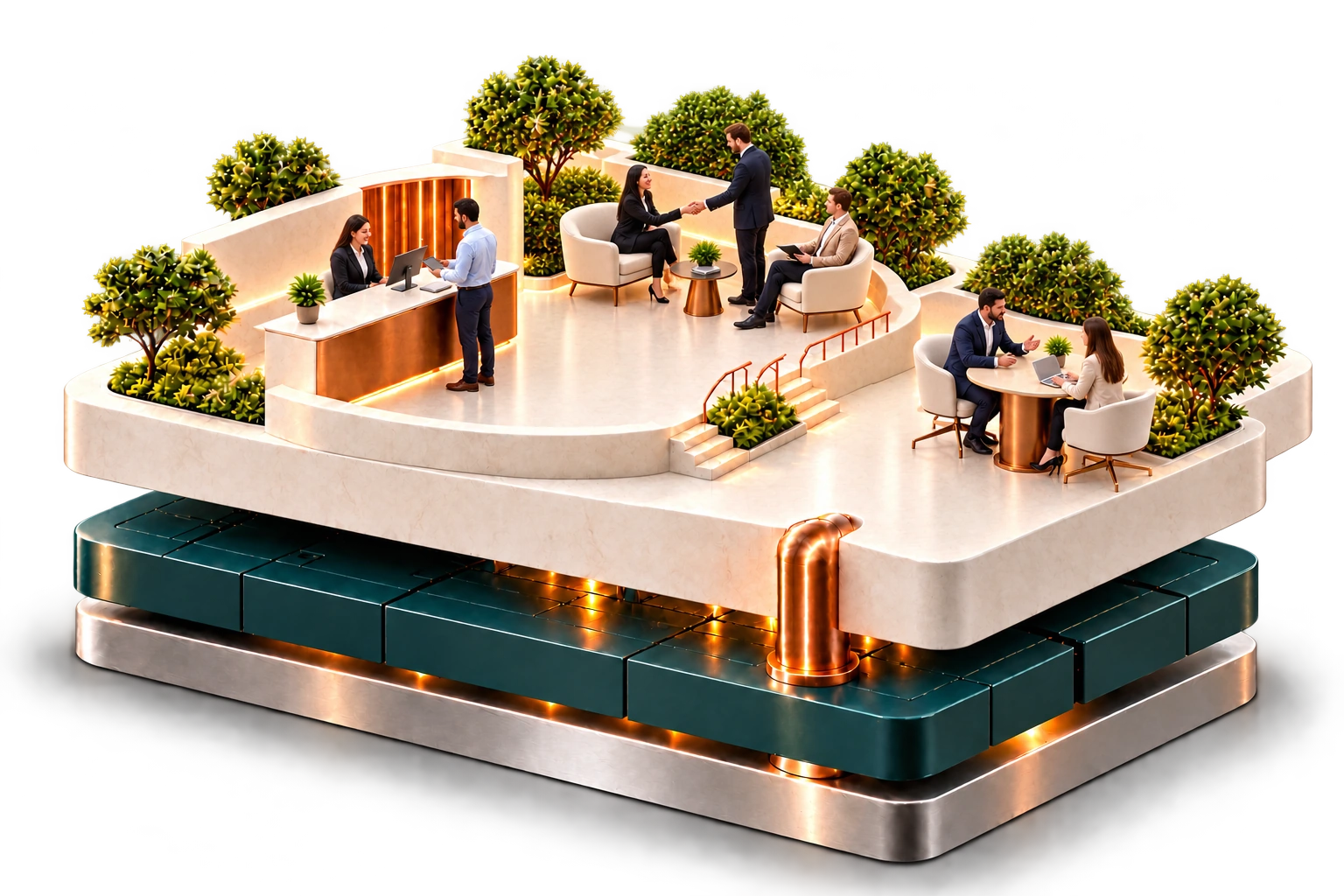
A customer, candidate or service technician arrives with a different purpose. Reception needs enough context to welcome them and contact the right host, while handling personal details responsibly. We connect scheduling and check-in with the real building and the people operating it.
Make the expected host, location and practical instructions available before arrival.
Give notifications a clear recipient and a fallback when the host is unavailable.
Keep visitor fields purposeful and decide who can access the information and for how long.
The business flow
Follow the business decision, then see where it lives in Odoo. Select a step to explore it.
01 / Book
A useful booking includes the type of meeting, the available person or resource and the information the visitor needs to arrive.
In Odoo
Odoo Appointments supports self-service scheduling with configured availability and booking options.
What Odexer brings
We define appointment types, preparation questions and calendar connections, then test time zones and rescheduling.
02 / Prepare
Expected visitors should have a clear host and location. Walk-ins need a practical route too.
In Odoo
Frontdesk manages visitor check-in for configured locations; scheduled-visitor capabilities depend on the version and flow.
What Odexer brings
We agree the boundary between booking and visitor records and build any required handover rather than assuming it exists automatically.
03 / Welcome
The visitor should know what to enter and what happens next. Reception needs a usable fallback for a busy desk or unavailable device.
In Odoo
Frontdesk provides a check-in interface and configurable visitor information.
What Odexer brings
We test tablet placement, wording, accessibility and staff-assisted entry, with only the data your visitor process needs.
04 / Notify
A notification should lead to someone greeting the visitor. Define who steps in when the host cannot respond.
In Odoo
Frontdesk can notify hosts through configured email, SMS or Discuss options; some channels require additional services.
What Odexer brings
We test notification delivery, fallback contacts and checkout or retention routines with the reception team.
Feature availability depends on your Odoo version, edition, installed apps and configuration. We confirm the fit, required integrations and any localisation needs before committing the implementation scope.
Business first. Code second.
A practical direction for the implementation, agreed against your real process.
01 / Business
Visitors receive useful instructions and the desk knows the intended host.
Implementation & development ↗02 / Application
The arrival has a recipient and an agreed fallback.
Integrations ↗03 / Platform
Information collection and access follow the actual reception need.
Platform operations ↗Questions, answered.
Start with your process.
We will work through the details.
No. Appointments manages booking; Frontdesk manages arrival and host notification. We design the handover between them for your version and operating process.
Frontdesk provides a kiosk-style check-in interface. We test the actual device, network, accessibility and reception fallback before rollout.
Not automatically. Physical access control is a separate integration with its own identity, security and failure requirements.
Frontdesk supports configured SMS notifications, alongside other channels. Service availability, account setup and message costs must be confirmed before choosing the channel.
Part of the whole
Let’s start with the business.
Tell us what happens today - and what needs to work better.