
The order says ten. The pallet holds eight.
Record what actually arrived and keep the remaining quantity visible, so a short delivery does not turn into a stock promise you cannot keep.
02 / Business / Receiving
Connect expected deliveries, barcode scanning and quality checks to the stock your business can actually use. A clear handover from supplier to warehouse.
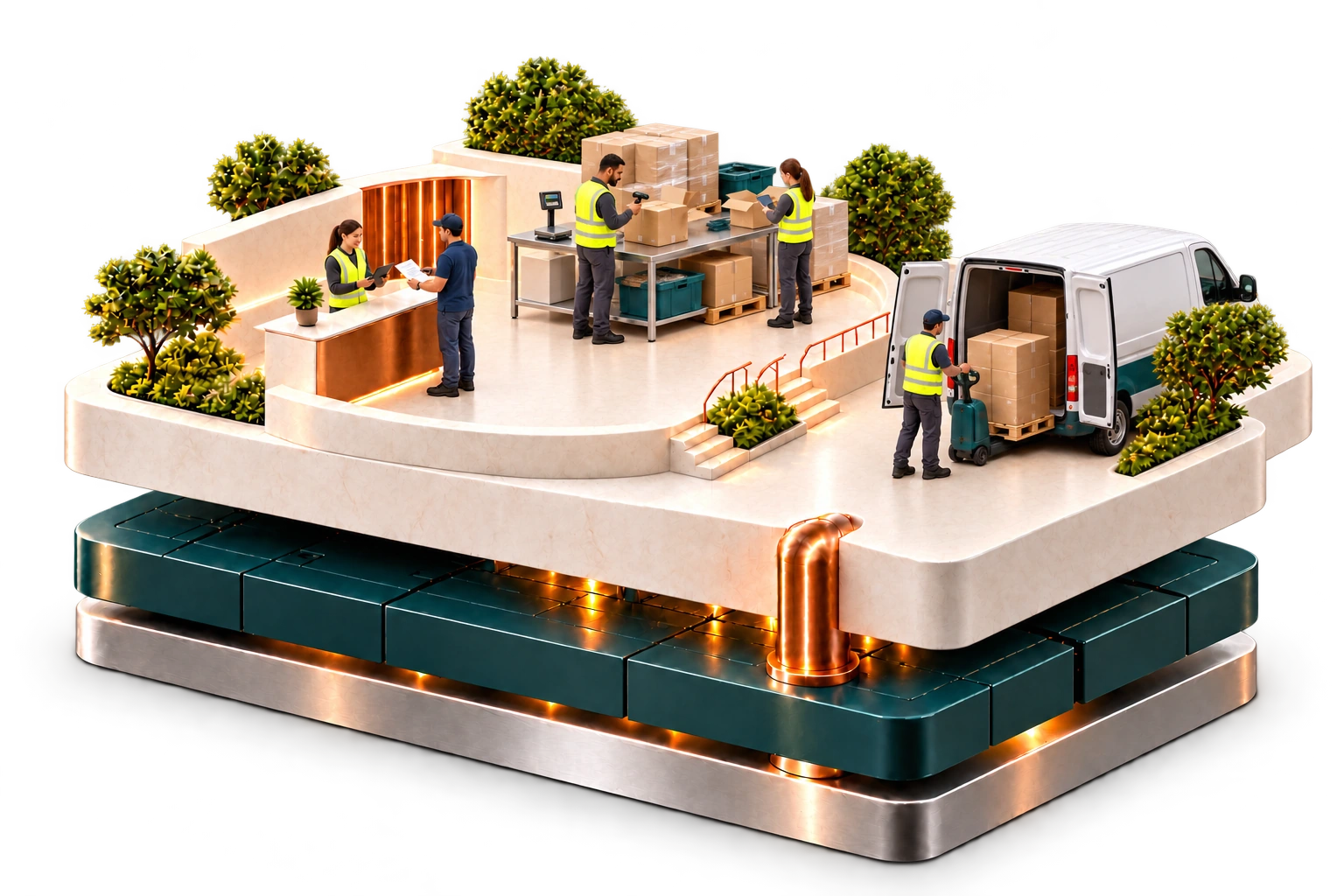
Business first
Purchasing needs to know what arrived. Production needs usable material. Finance needs a reliable receiving record. The first scan should start a handover that all three can trust.
Record what actually arrived and keep the remaining quantity visible, so a short delivery does not turn into a stock promise you cannot keep.
Give inspections and damaged goods a clear place in the process before they are released to the next operation.
Capture the identity of the goods at the door, while the supplier label and the physical product are still together.
The business flow
Follow the business decision, then see where it lives in Odoo. Select a step to explore it.
01 / Expect
The receiving team should know the supplier, the expected products and the order behind the delivery. Make the expected receipt available before unloading, so a busy shift starts with context rather than a phone call.
In Odoo
Connect the confirmed purchase order to its receipt in Inventory. Choose an incoming flow that fits the warehouse, from direct receipt to separate input and inspection stages.
What Odexer brings
We map the arrival process, clarify who updates expected dates and configure the receiving stages around the actual warehouse.
02 / Identify
A familiar-looking carton is not enough. The team needs the correct product, unit and tracking details. Make the identification step practical for the labels and packaging suppliers really send.
In Odoo
Use Barcode to identify products and record movements. Capture lot or serial information for tracked products as part of the receiving operation.
What Odexer brings
We review supplier labels, product master data and scanning devices, then test the identification flow with real incoming goods.
03 / Receive
Short shipments, split deliveries and unexpected quantities need a clear response at the door. The receiving record should reflect the physical goods, with responsibility for anything that differs from the order.
In Odoo
Record the received quantity on the transfer. Handle the outstanding part through the appropriate backorder process instead of treating the entire order as delivered.
What Odexer brings
We agree how shortages and excess deliveries are handled, who can validate them and how purchasing is informed.
04 / Inspect
A damaged carton or failed measurement needs more than a note someone may miss. Give accepted, rejected and waiting goods an agreed route, with a person responsible for the next decision.
In Odoo
Use Quality checks on the relevant inventory operation where required. A three-step receipt can separate input, inspection and stock locations.
What Odexer brings
We define inspection criteria, stock availability rules and the exception path. A failed check and a stock hold are tested as separate requirements.
05 / Put away
Goods waiting by the door are difficult to find and easy to forget. Give the operator a clear destination and complete the move when the stock reaches its intended location.
In Odoo
Use warehouse locations and putaway rules to guide incoming stock. Record the transfer into its storage location so the system follows the physical move.
What Odexer brings
We map locations, labels and storage rules to the real building, including the exceptions operators meet during a busy shift.
06 / Confirm
The delivery does not end at the receiving desk. Buyers, planners and finance need to know the result. Give each team the information it needs without making warehouse staff repeat the same update in several systems.
In Odoo
Validated receipts update the inventory records and the related purchase process. Availability depends on the locations, routes and controls configured for the operation.
What Odexer brings
We connect the receiving result to planning, supplier follow-up and external systems, with a clear recovery path when a handover fails.
Feature availability depends on your Odoo version, edition, installed apps and configuration. We confirm the fit, required integrations and any localisation needs before committing the implementation scope.
Business first. Code second.
A practical direction for the implementation, agreed against your real process.
01 / Business
Define who receives, inspects and releases goods. Make short deliveries, damaged items and missing labels part of the design.
Implementation & development ↗02 / Application
Configure Odoo, scanners and labels. Connect supplier or warehouse systems around clear ownership of products, quantities and status.
Integrations ↗03 / Platform
Prepare devices, deployment and monitoring. Give the team a tested way to recover when a scanner or interface interrupts the process.
Platform operations ↗Questions, answered.
Start with your process.
We will work through the details.
Not necessarily. Odoo supports different incoming flows. We choose the level of separation around your inspections, storage process and stock availability needs. A straightforward operation may need fewer stages.
That depends on the barcode format and the information it contains. We inspect real labels, agree how products and tracking details are identified, and test the devices and configuration before rollout.
The received quantity should be recorded as delivered, with the outstanding quantity handled through the agreed backorder process. We also define when purchasing should follow up with the supplier.
Yes, the receiving route can include separate input and quality locations. We configure where goods wait and test the availability rules. Recording a failed check alone is not a substitute for an agreed stock-hold process.
Odoo supports tracking by lot or serial number and expiry information for tracked products. We agree which details are required at receipt and how the team handles missing or inconsistent supplier data.
We check the exact Odoo version, installed apps, devices and interfaces first. Barcode, Quality and any additional behaviour are included in the scope only after that fit has been confirmed.
Part of the whole
Let’s start with the business.
Tell us what happens today - and what needs to work better.